1
Start from text or image
Choose text-to-video when the whole shot will be generated from a prompt, or image-to-video when you already have a visual reference and mainly need motion plus sound.
0/1000
Create synchronized audio with the scene
Available Credits: 0
Perfect audiovisual sync
Close-up creator performance with speech timing that stays locked to motion.
Seedance 1.5 Pro is useful when motion, speech timing, and overall audiovisual sync matter more than long duration. This page focuses on that short-form workflow: text or image input, synchronized audio, multiple aspect ratios, and 480p or 720p output.
Build a short audiovisual scene in four practical steps
Choose text-to-video when the whole shot will be generated from a prompt, or image-to-video when you already have a visual reference and mainly need motion plus sound.
Describe the subject, movement, camera behavior, spoken line or vocal tone, and ambient sound together. Seedance works best when the prompt treats audio and visuals as one scene.
Pick the aspect ratio that fits the publishing channel, then choose 480p or 720p and a 4-second, 8-second, or 12-second output depending on how much room the scene needs.
Review whether the motion, timing, and sound feel aligned. If the audiovisual relationship is weak, refine the whole prompt rather than only rewriting the visual description.
Ready to test a short audiovisual scene?
The reason to use this page is clear: short-form audiovisual generation where sync matters.
Seedance is useful when the scene should arrive as one audiovisual result instead of a silent clip that needs to be finished elsewhere. That matters for speaking subjects, music-led concepts, and rhythm-dependent scenes.
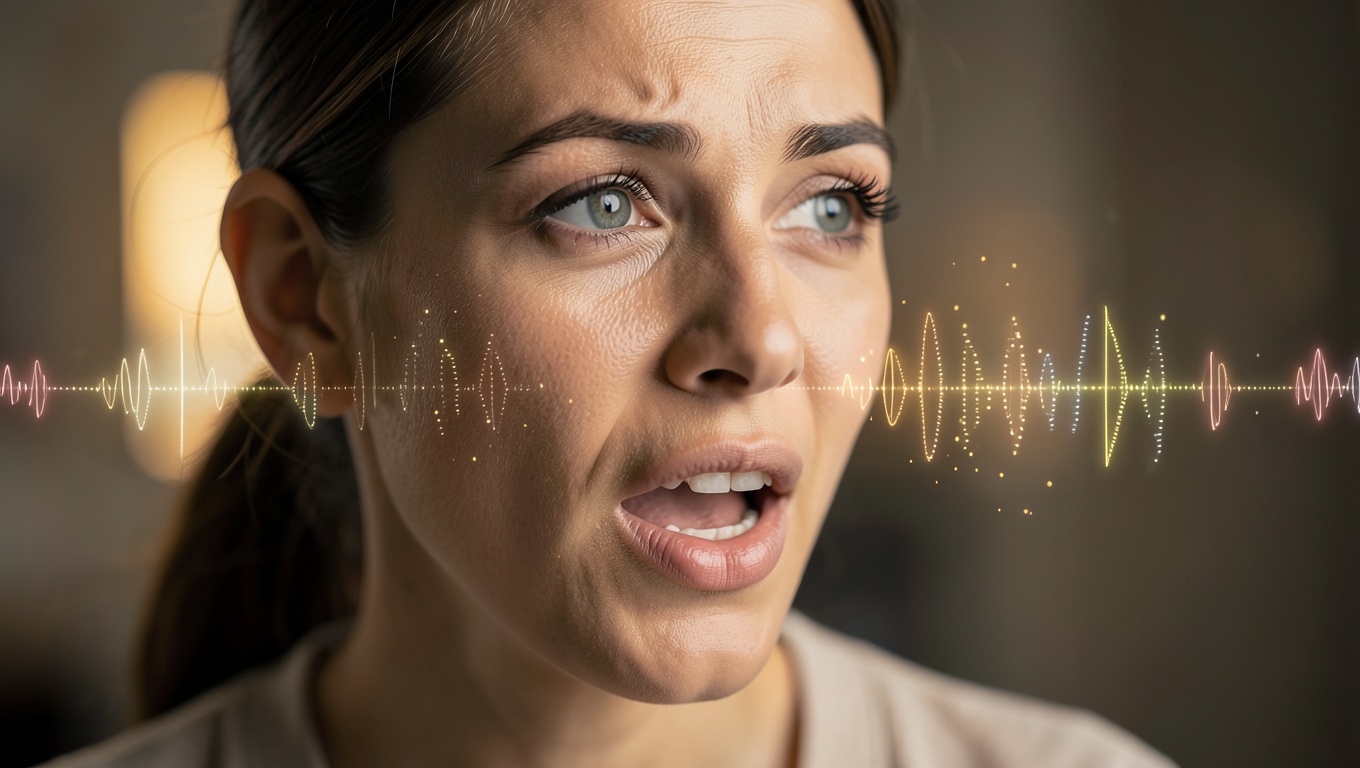
The workflow is built around 4-second, 8-second, and 12-second clips. That makes Seedance practical for testing short ideas, social scenes, and audio-driven concepts without stretching into false long-form promises.
Use portrait, landscape, square, and other supported ratios based on where the clip will live. This matters more than generic feature claims because the output format changes how short scenes are written and reviewed.
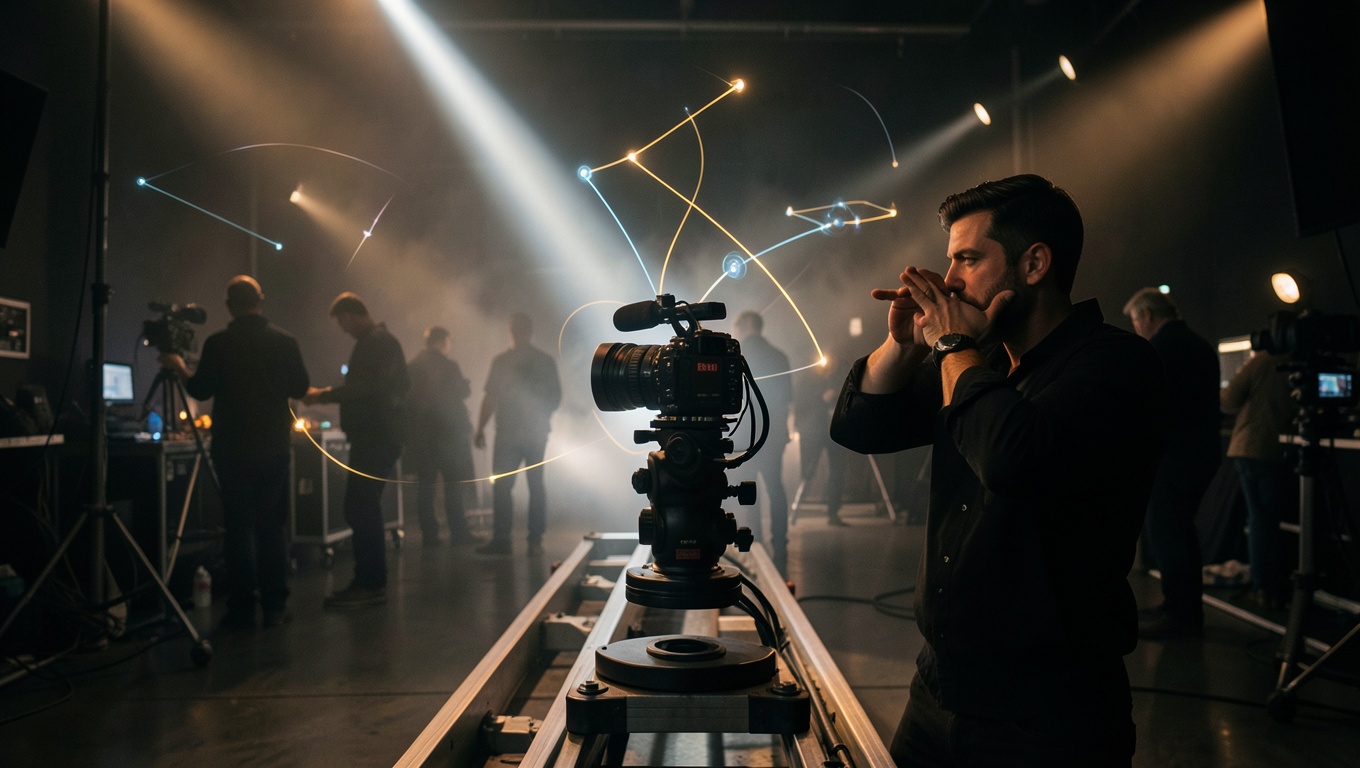
The generator is useful when the prompt includes camera behavior, subject movement, and sound intention in one place. That keeps the workflow closer to scene direction than to disconnected feature toggles.
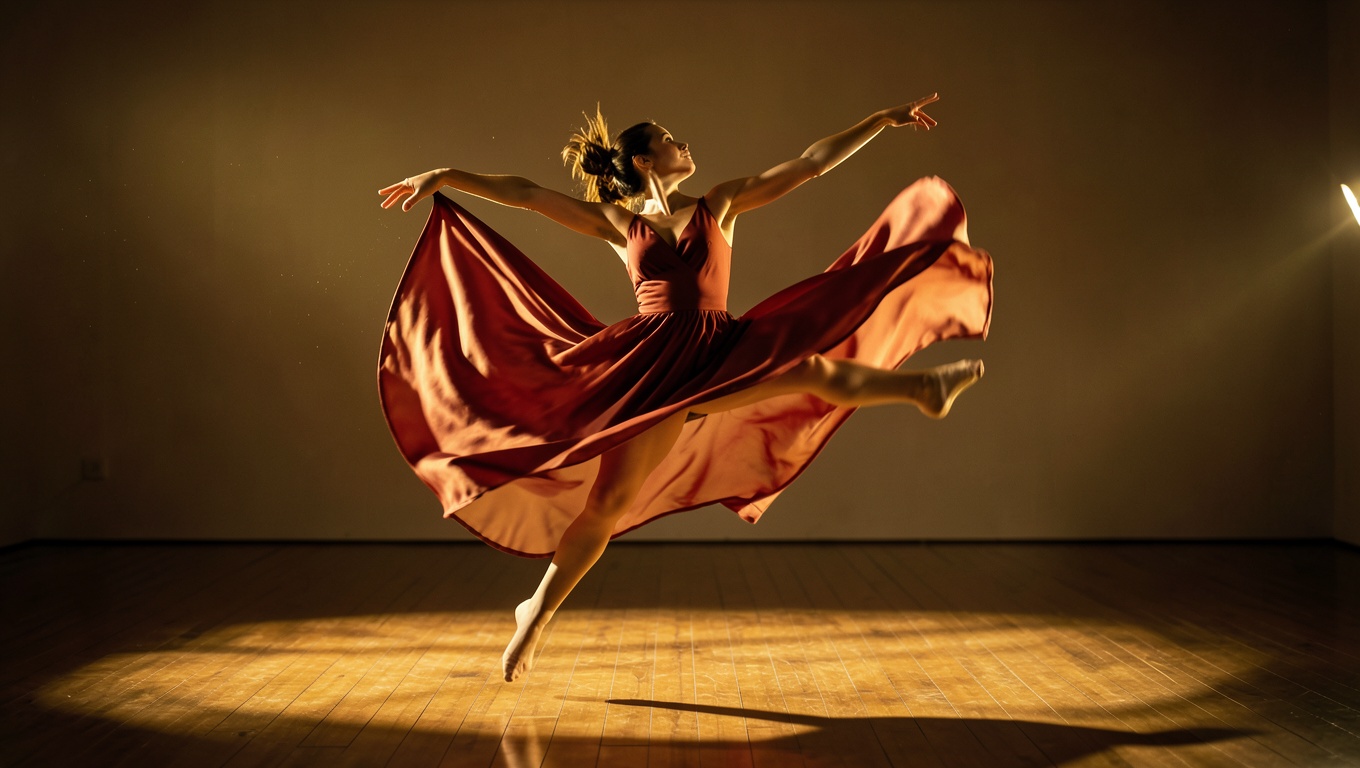
Seedance is worth testing for clips where speech timing, performance feel, or music-and-motion alignment are part of the creative brief rather than optional extras.
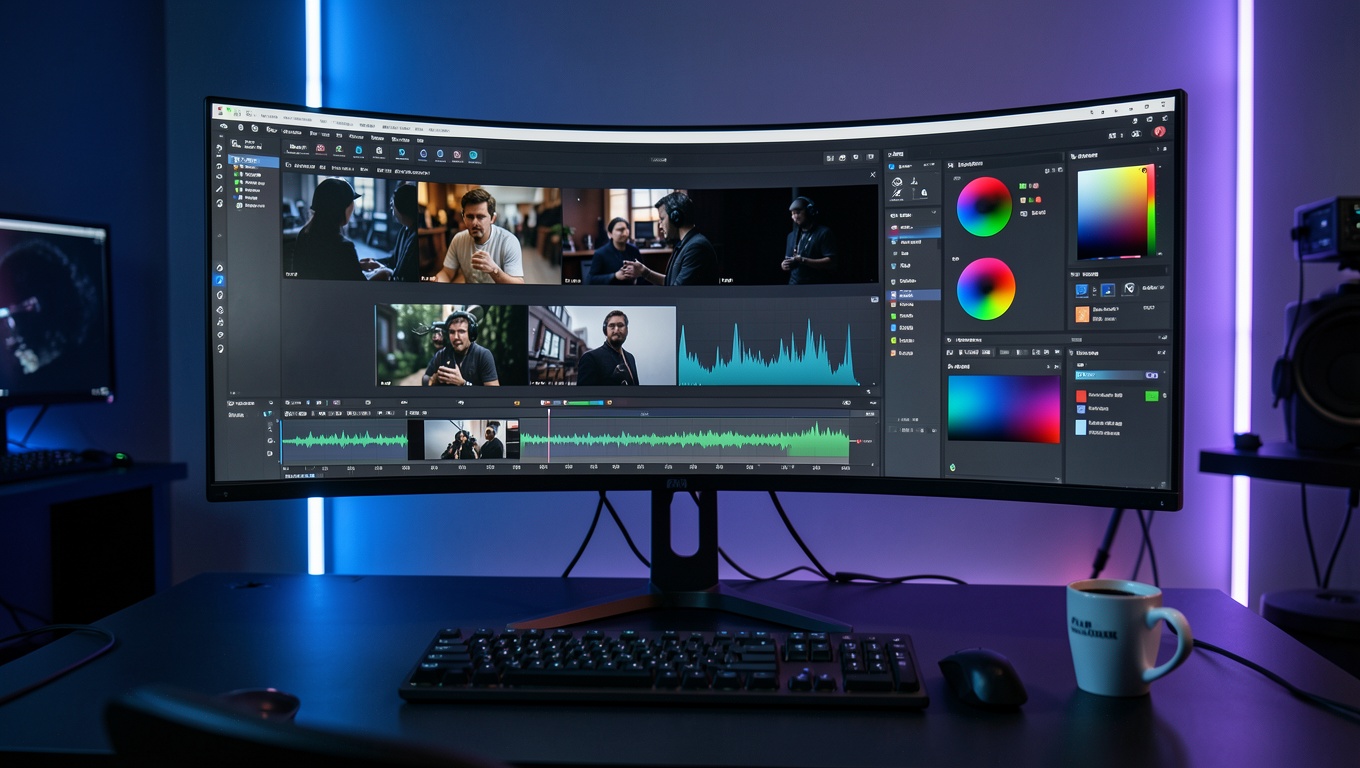
The workflow makes 480p versus 720p an explicit decision. That helps users plan whether the priority is faster testing, lighter files, or a cleaner final asset.
Short clips built around synchronized motion and sound
Audio-sync close-up
Full workflow showcase
Motion stability
Precision transformation
Seedance 1.5 Pro is most useful when the prompt is written as one audiovisual scene, not as a silent visual description plus an afterthought about sound. These examples reflect that workflow.
Best when speech timing and delivery matter.
Best for rhythm and movement working together.
Best for short narrated scenes.
Keep users inside the same decision flow. These adjacent routes mirror the "next tool, next model" navigation pattern that works well on strong SEO landing pages.
Use Veo 3 when you want another audio-first route for short scene generation.
Switch to Runway when visual art direction matters more than synchronized audio.
See where Seedance fits against Veo 3, Runway, and other model workflows.
Check the current credit packs before testing multiple sync-heavy scenes.
Choose this route when short-form audiovisual sync matters more than pure visual styling or long scene duration.
Use Seedance for short scenes where speech timing, performance feel, and audience-facing delivery all shape the result.
Create short product or campaign scenes where the soundtrack and the visual action should land together instead of being assembled later.
Use it for concise instructional scenes where a spoken message and simple supporting motion need to work as one clip.
Seedance can be a useful draft-stage route for short narrative or presentation moments where audiovisual timing needs early validation.