
Strength 1
High-throughput iteration
Nano Banana 2 is the better choice when you need a large number of variations quickly. It is built for campaign testing, social asset exploration, and production loops where speed has real value.
Latest generation
Preview is ready. Generate a new version or open the full image in a new tab.
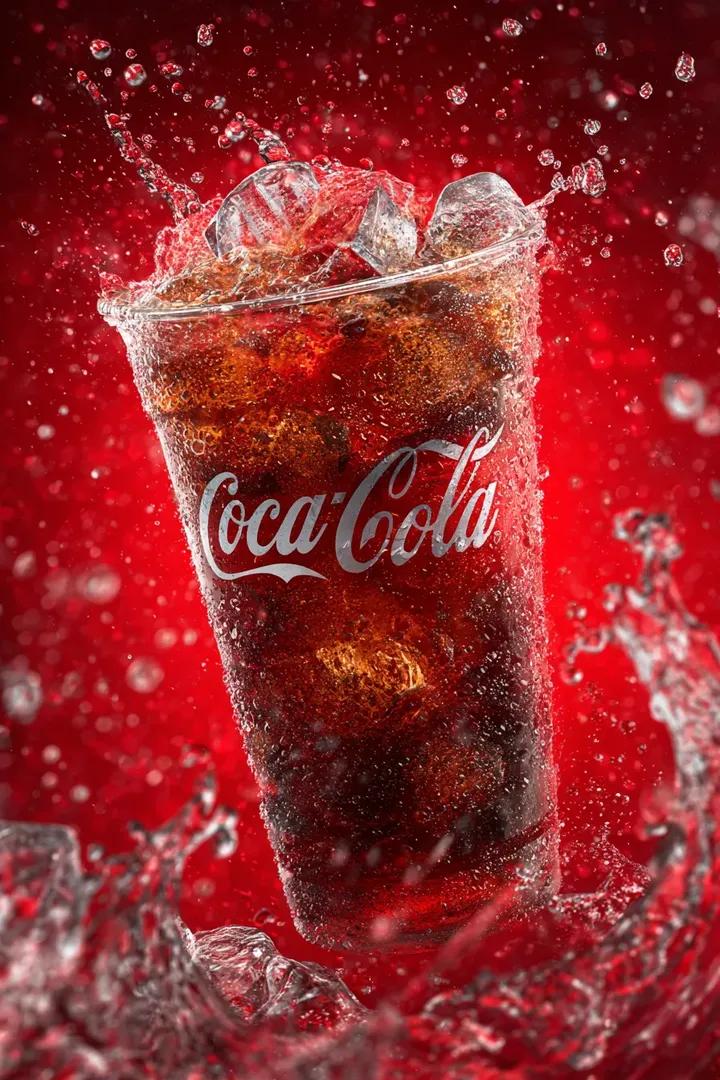
Generate multi-subject images with flexible aspect ratios and fast iteration using Nano Banana 2 on CutFly.


Nano Banana 2 is the better choice when you need a large number of variations quickly. It is built for campaign testing, social asset exploration, and production loops where speed has real value.
CutFly supports up to fourteen reference images for Nano Banana 2, which makes it useful for scenes with many objects, repeated brand elements, or multi-character setups that need to stay coherent.
Google positions Nano Banana 2 as the faster model in the family, combining much of Pro's quality with Flash-style speed. It is especially attractive when you need precise instruction following, subject consistency across a larger set of references, and fast iteration instead of a slower high-control workflow.
On CutFly, Nano Banana 2 matters when the team needs many outputs, unusual aspect ratios, or multi-subject scenes that have to stay coherent across several variations. It is better suited to high-volume campaign iteration, storyboard work, and content systems than to one-shot premium finaling.
Nano Banana 2 is the better choice when you need a large number of variations quickly. It is built for campaign testing, social asset exploration, and production loops where speed has real value.
CutFly supports up to fourteen reference images for Nano Banana 2, which makes it useful for scenes with many objects, repeated brand elements, or multi-character setups that need to stay coherent.
Nano Banana 2 supports a broader range of aspect ratios than most of the catalog, which makes it practical for tall shorts covers, ultra-wide banners, and template-driven creative systems.
Explore what Nano Banana 2 can look like in practice. Browse a mixed feed of stills and motion samples inspired by this model's strengths.


These are the situations where Nano Banana 2 fits best, especially when the workflow depends on speed, volume, and broader format coverage.
Use Nano Banana 2 when a team needs to compare several campaign directions, social variants, or launch concepts in one sitting.
It is useful for commerce and lifestyle visuals where several objects, props, or people need to stay recognizable across a set of generated stills.
Because of its wider ratio support, Nano Banana 2 is practical for vertical covers, wide banners, and storyboard-like sequences that need multiple matching frames.
Creators can use it for thumbnail batches, cover image testing, and repeatable still production where output count matters almost as much as output quality.
Nano Banana 2 earns its place when you need speed, flexibility, and large reference sets more than you need the highest-control premium finaling model.
Choose Nano Banana 2 when you need faster iteration, more reference inputs, and wider aspect-ratio coverage for high-volume still generation.
Compare it with Nano Banana Pro, Seedream 5.0, and Flux 2 Pro if you are choosing between raw throughput, premium control, and prompt-guided polish.
Use this page to decide whether Nano Banana 2 should be your high-volume production route, your wide-format generator, or your fast reference-based option.
These links help you move from Nano Banana 2 evaluation into faster production testing inside CutFly.
Compare Nano Banana 2 with premium and prompt-led models if you need to judge whether speed should win this workflow.
Review examples to see how fast-iteration stills and wide-format outputs look across the broader platform.
Jump into finished use cases if you want to see where high-volume still generation turns into shipping assets.
Nano Banana 2 is relevant for teams and creators who want a newer still-image model route that balances practical polish with broad creative use.
No. It can also support brand, e-commerce, and product workflows, especially when teams need multiple directions before choosing a final art path.
Nano Banana Pro is framed more around premium still polish, while Nano Banana 2 is framed here as a newer and more flexible route for broader image generation use.
Longer sections help answer the model-selection questions that usually come before a real production choice. That gives you more context than a short promotional summary.
Yes. Campaign stills and launch visuals are a practical use case because they need stronger direction than rough concepts but may still require multiple fast comparisons.
Move into the workspace, compare it with adjacent image model pages, and define whether it is your exploration model or your production still model.